Smart Home Starter Guide: Where to Begin (and What to Buy First)
Every smart home starts with one device that makes you wonder why you waited. For most people it's a voice-controlled light; for some it's a thermostat that pays for itself. The mistake beginners make is buying devices in the wrong order — ending up with gadgets that don't talk to each other. This guide gives you the correct sequence, starting under $25.
Step 1: Pick Your Platform (Before Buying Anything)
Almost every device in the Buyvello catalog works with Alexa and Google Home. That compatibility is your safety net — but decide which ecosystem you'll actually use day-to-day, because your phone habits matter more than the hardware. Already ask Alexa to play music? Start there. Committed to Google Assistant? Same logic. The point is consistency: devices from one platform family behave better together than a random mix.
Step 2: Start With Smart Lighting (The Highest-Impact First Buy)
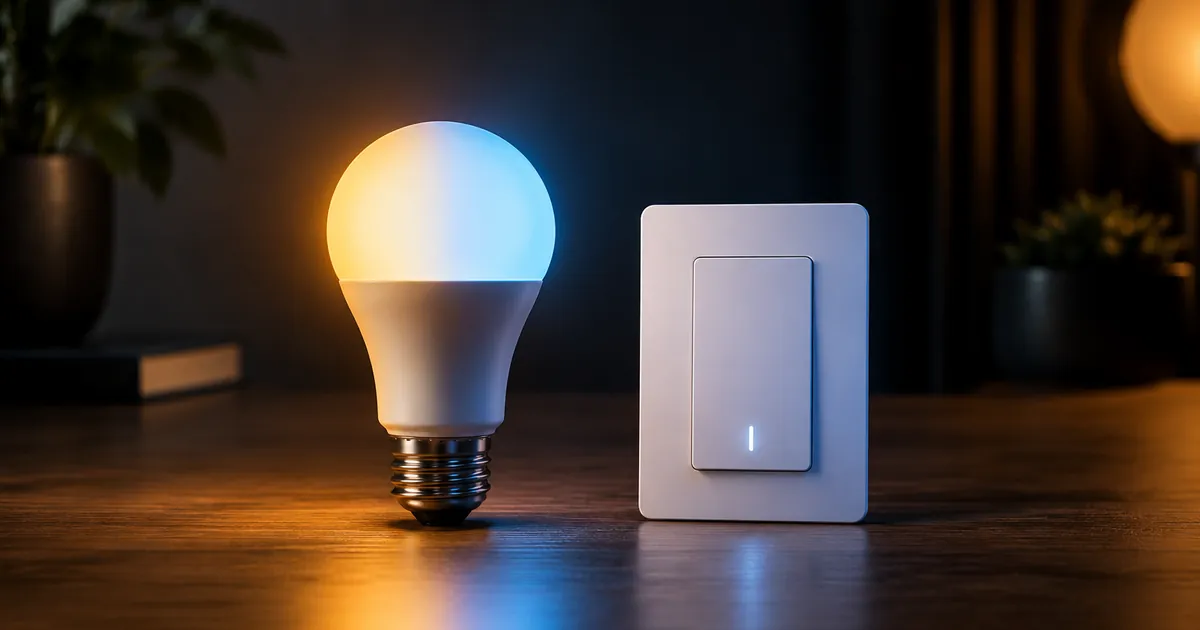
Lighting is where smart homes earn their keep, because it's the automation you interact with daily. The entry point is a 60W-equivalent smart bulb with 16 million colors — $15, screw it in, connect it to Wi-Fi, done. No electrician, no hub, no wiring.
Why bulbs beat switches for beginners
Bulbs are reversible and renter-friendly. If you move, you take them with you. Start with two or three in the room you use most — living room lamps first, because lamps are where dimming and color actually change the mood. The 4-bulb starter kit covers a whole room in one purchase and costs less than four bulbs bought separately.
Step 3: Add a Smart Plug (The Underrated Multiplier)
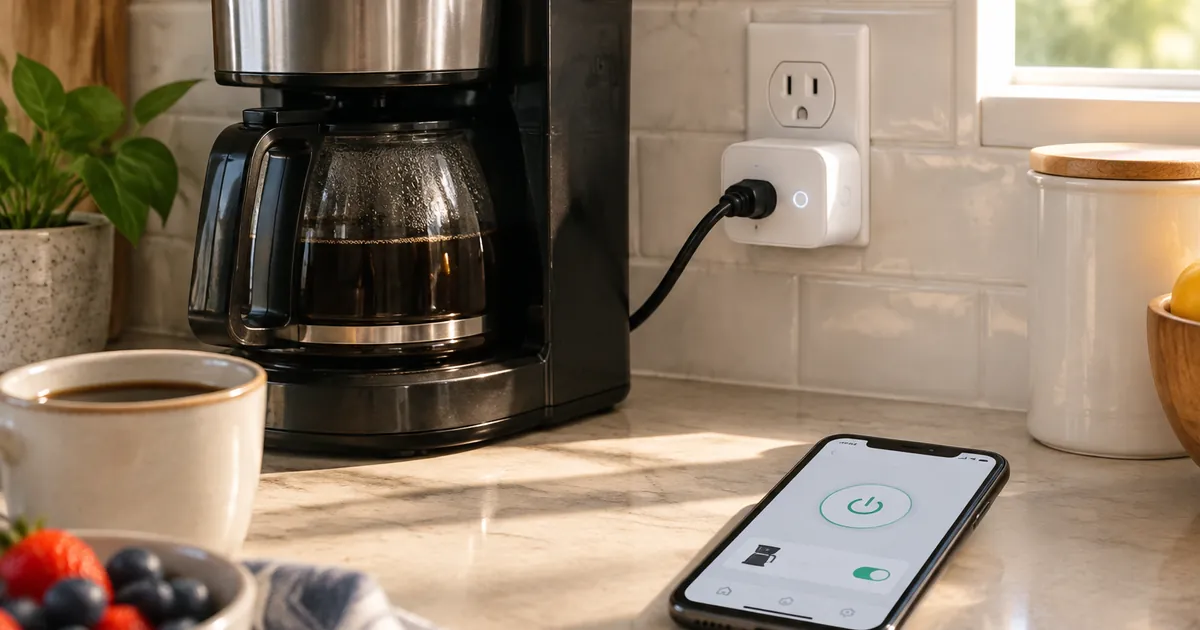
A smart plug mini at $12 makes any existing appliance smart: the coffee maker that starts brewing before your alarm, the fan that turns off automatically at midnight, the Christmas tree that never needs a timer. One plug can automate half a dozen dumb devices over a year. If you want data too, the energy-monitoring plug shows exactly what each appliance costs to run — the fastest way to find the space heater quietly adding $30 to your bill.
Step 4: Level Up With Ambiance and Control
Once the basics are in, two upgrades deliver the "wow" factor:
- RGBIC LED strip lights behind the TV or under cabinets — the single most photogenic smart home upgrade, with segments that show different colors simultaneously.
- Hexagon light panels — customizable wall art that doubles as lighting. Magnetic, tool-free installation that takes an afternoon.
Step 5: Save the Thermostat for Month Two
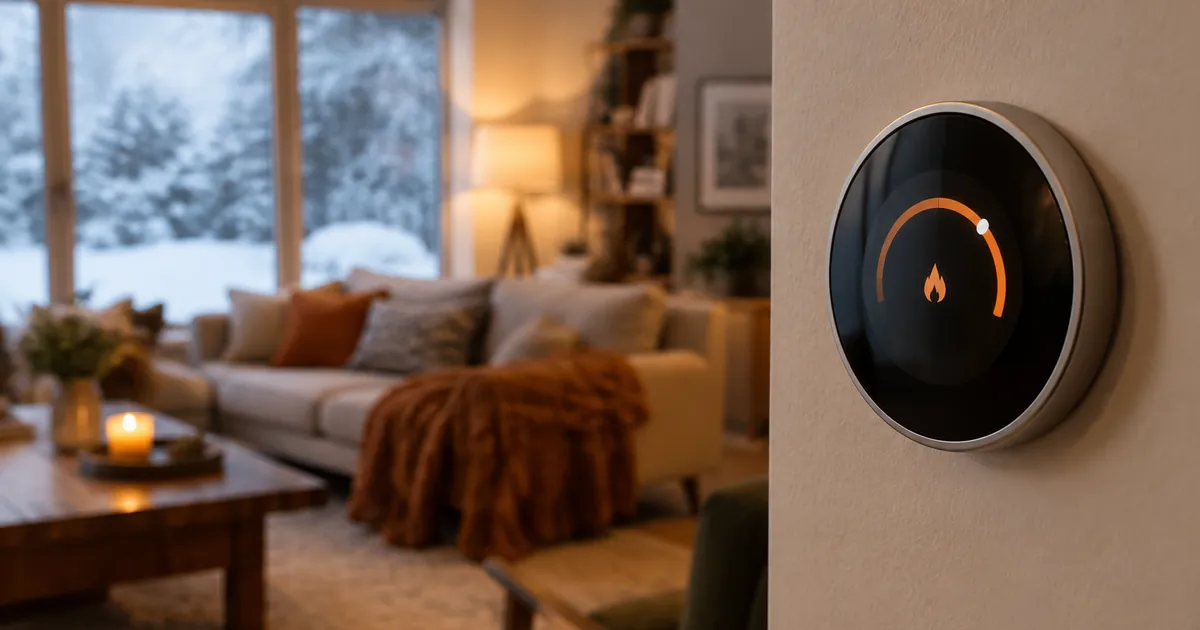
Smart thermostats are the most valuable smart home device long-term — heating and cooling are the biggest energy line in most homes — but they involve wiring and a bit of planning. Do the fun stuff first (lighting, plugs), then graduate to a touchscreen Wi-Fi thermostat once you're comfortable with the ecosystem. Our thermostat guide covers compatibility and setup.
The $50 Beginner Setup
Realistic first-weekend build: two dimmable smart bulbs ($17 each) + one smart plug mini ($12). Under $50 total, installed in 15 minutes, and it already automates your evening routine. Expand from there based on what annoys you most — that's the entire philosophy.
Common Beginner Mistakes to Avoid
A short list, learned the hard way by thousands of smart home owners:
- Buying ten devices at once. Start with two or three, learn their app and routines, then expand. A smart home built in one weekend is usually half-unused by spring.
- Ignoring the 2.4GHz requirement. Every device here connects to the 2.4GHz band. If your router merges bands under one name and setup fails, split the bands temporarily during pairing.
- Placing devices at Wi-Fi edges. A bulb at the far end of the house drops offline constantly. A $12 plug or bulb in a dead zone is a wasted $12 — check signal first.
- Automating nothing. The devices are half the product; schedules and routines are the other half. A bulb you turn on by app is a flashlight with extra steps. Set the sunset schedule in week one.
Month Two: Make It a System
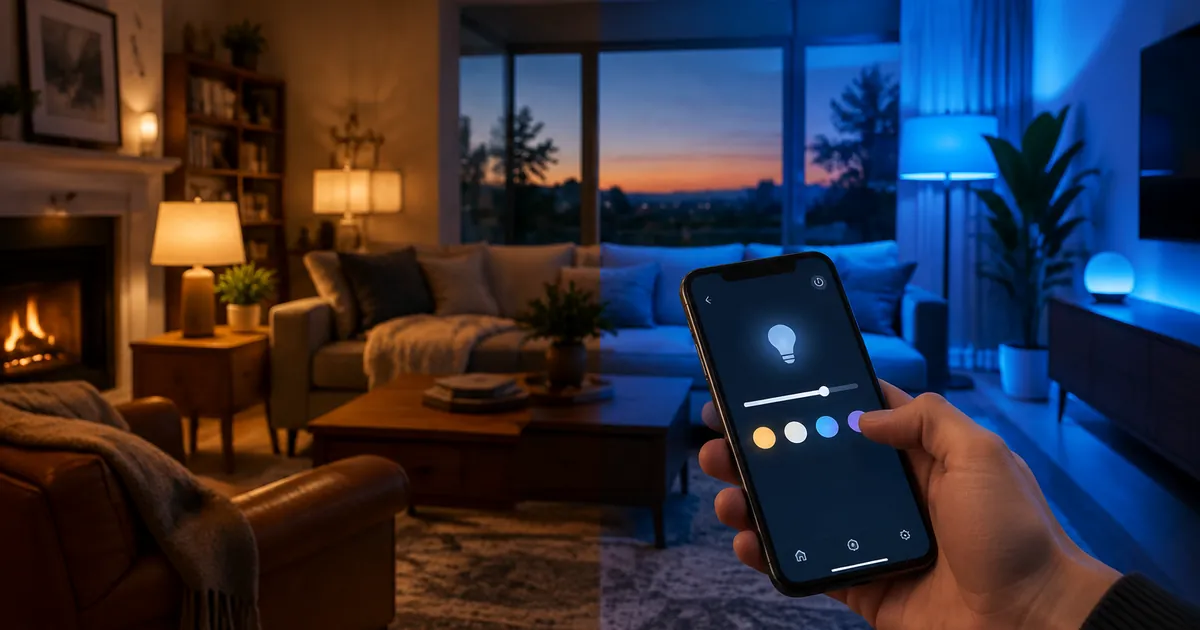
Once the basics run for a few weeks, connect them: "goodnight" turns off every light and plug at once; "movie time" dims the bulbs and sets the strip to blue. This is where the ecosystem choice from Step 1 pays off — grouped devices respond as one house, not a pile of gadgets. From there, the natural next steps are the energy-monitoring plug to hunt power hogs, and the thermostat to start the real savings.
Frequently Asked Questions
Do I need a hub?
Not for anything in our catalog. Every device connects directly to your 2.4GHz Wi-Fi — hubs are only needed for some third-party protocols like Zigbee.
Will these work without Alexa or Google?
Yes — every device has its own app with full control. Voice assistants are optional convenience, not a requirement.
Do smart bulbs use power when "off"?
A trivial amount (under 0.5W) to keep the Wi-Fi radio listening for commands. It costs pennies per year per bulb.
Ready to start? Browse the smart bulbs and smart plugs — free shipping on every US order.